Articles with MQL5 programming examples

Access a huge collection of articles with code examples showing how to create indicators and trading robots for the MetaTrader platform in the MQL5 language. Source codes are attached to the articles, so you can open them in MetaEditor and run them to see how the applications work.
These articles will be useful both for those who have just started exploring automated trading and for professional traders with programming experience. They feature not only examples, but also contain new ideas.
Add a new article

You are missing trading opportunities:
- Free trading apps
- Over 8,000 signals for copying
- Economic news for exploring financial markets
Registration
Log in
You agree to website policy and terms of use
If you do not have an account, please register


Error 146 ("Trade context busy") and How to Deal with It
The article deals with conflict-free trading of several experts on one МТ 4 Client Terminal. It will be useful for those who have basic command of working with the terminal and programming in MQL 4.


Price Action Analysis Toolkit Development (Part 48): Multi-Timeframe Harmony Index with Weighted Bias Dashboard
This article introduces the “Multi-Timeframe Harmony Index”—an advanced Expert Advisor for MetaTrader 5 that calculates a weighted bias from multiple timeframes, smooths the readings using EMA, and displays the results in a clean chart panel dashboard. It includes customizable alerts and automatic buy/sell signal plotting when strong bias thresholds are crossed. Suitable for traders who use multi-timeframe analysis to align entries with overall market structure.

Timeseries in DoEasy library (part 41): Sample multi-symbol multi-period indicator
In the article, we will consider a sample multi-symbol multi-period indicator using the timeseries classes of the DoEasy library displaying the chart of a selected currency pair on a selected timeframe as candles in a subwindow. I am going to modify the library classes a bit and create a separate file for storing enumerations for program inputs and selecting a compilation language.

FANN2MQL Neural Network Tutorial
This article has been made to show you how to use neural networks, via FANN2MQL, using an easy example: teaching a simple pattern to the neuralnetwork, and testing it to see if it can recognize patterns it has never seen.

LifeHack for Trader: A comparative report of several tests
The article deals with the simultaneous launch of Expert Advisor testing on four different trading instruments. The final comparison of four testing reports is provided in a table similar to how goods are represented in online stores. An additional bonus is that distribution charts will be automatically created for each symbol.

Graphics in DoEasy library (Part 75): Methods of handling primitives and text in the basic graphical element
In this article, I will continue the development of the basic graphical element class of all library graphical objects powered by the CCanvas Standard Library class. I will create the methods for drawing graphical primitives and for displaying a text on a graphical element object.

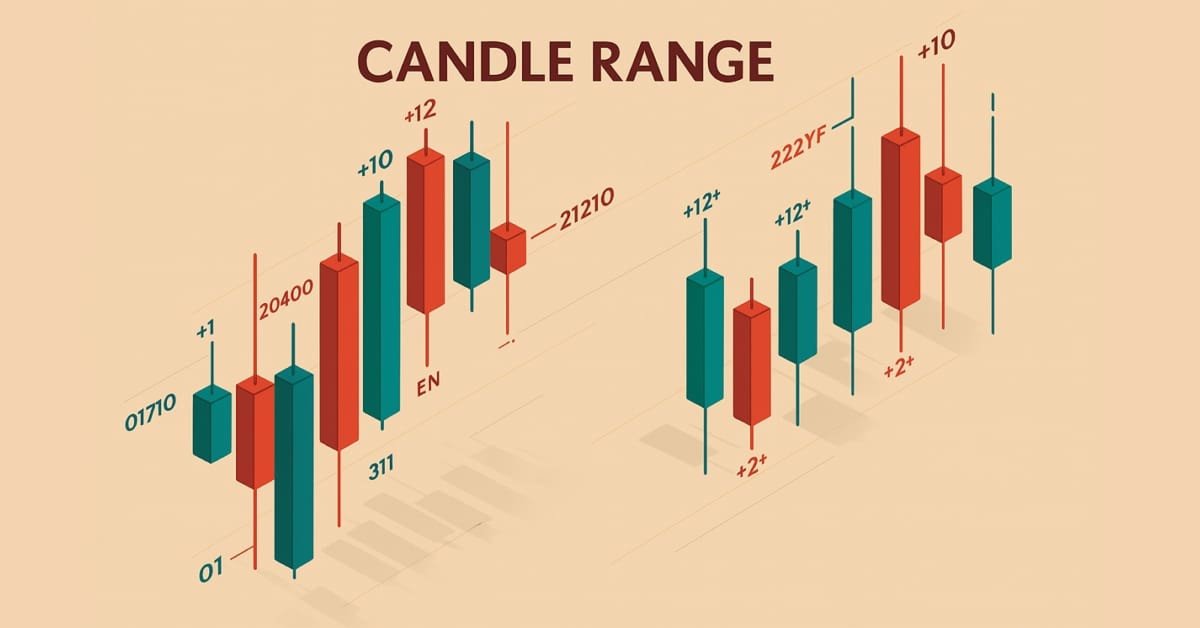
Price Action Analysis Toolkit Development (Part 33): Candle Range Theory Tool
Upgrade your market reading with the Candle-Range Theory suite for MetaTrader 5, a fully MQL5-native solution that converts raw price bars into real-time volatility intelligence. The lightweight CRangePattern library benchmarks each candle’s true range against an adaptive ATR and classifies it the instant it closes; the CRT Indicator then projects those classifications on your chart as crisp, color-coded rectangles and arrows that reveal tightening consolidations, explosive breakouts, and full-range engulfment the moment they occur.

Universal Oscillator with a GUI
The article describes the process of creation of a universal indicator based on all oscillators available in the terminal, with its own graphical interface. The GUI allows users to quickly and easily change settings of each oscillator straight from the chart window (without having to open its properties), as well as to compare their values and to select an optimal option for a specific task.


Developing Advanced ICT Trading Systems: Implementing Order Blocks in an Indicator
In this article, we will learn how to create an indicator that detects, draws, and alerts on the mitigation of order blocks. We will also take a detailed look at how to identify these blocks on the chart, set accurate alerts, and visualize their position using rectangles to better understand the price action. This indicator will serve as a key tool for traders who follow the Smart Money Concepts and the Inner Circle Trader methodology.

Using MATLAB 2018 computational capabilities in MetaTrader 5
After the upgrade of the MATLAB package in 2015, it is necessary to consider a modern way of creating DLL libraries. The article uses a sample predictive indicator to illustrate the peculiarities of linking MetaTrader 5 and MATLAB using modern 64-bit versions of the platforms, which are utilized nowadays. With the entire sequence of connecting MATLAB considered, MQL5 developers will be able to create applications with advanced computational capabilities much faster, avoiding «pitfalls».

Secrets of the MetaTrader 4 Client Terminal: Indicators
Are you going to write your own indicator? Perhaps you will find that what you need among indicators already embedded in the client terminal. So why to reinvent the wheel?
A summary table of integrated indicators' characteristics; special features and methods of attaching indicators to a chart; building of levels; displaying of indicators on different timeframes.

Graphical Interfaces I: Functions for the Form Buttons and Deleting Interface Elements (Chapter 4)
In this article, we are going to continue developing the CWindow class by adding methods, which will allow managing the form by clicking on its controls. We will enable the program to be closed by a form button as well as implement a minimizing and maximizing feature for the form.

On Methods of Technical Analysis and Market Forecasting
The article demonstrates the capabilities and potential of a well-known mathematical method coupled with visual thinking and an "out of the box" market outlook. On the one hand, it serves to attract the attention of a wide audience as it can get the creative minds to reconsider the trading paradigm as such. And on the other, it can give rise to alternative developments and program code implementations regarding a wide range of tools for analysis and forecasting.

Graphical Interfaces III: Groups of Simple and Multi-Functional Buttons (Chapter 2)
The first chapter of the series was about simple and multi-functional buttons. The second article will be dedicated to groups of interconnected buttons that will allow the creation of elements in an application when a user can select one of the option out of a set (group).

OOP in MQL5 by Example: Processing Warning and Error Codes
The article describes an example of creating a class for working with the trade server return codes and all the errors that occur during the MQL-program run. Read the article, and you will learn how to work with classes and objects in MQL5. At the same time, this is a convenient tool for handling errors; and you can further change this tool according to your specific needs.

Custom indicators and infographics in CCanvas
The article considers new types of indicators with more complex structural implementation. It also describes the development of pseudo-3D indicator types and dynamic infographics.

Rope Indicator by Erik Nayman
The article reveals how the "Rope" indicator is created based on "The Small Encyclopedia of Trader" by Erik L. Nayman. This indicator shows the direction of the trend using the calculated values of bulls and bears over a specified period of time. The article also contains principles of creating and calculating indicators along with the examples of codes. Other subjects covered include building an Expert Advisor based on the indicator, and the optimization of external parameters.

Graphical Interfaces X: Updates for Easy And Fast Library (Build 2)
Since the publication of the previous article in the series, Easy And Fast library has received some new features. The library structure and code have been partially optimized slightly reducing CPU load. Some recurring methods in many control classes have been moved to the CElement base class.

Library for easy and quick development of MetaTrader programs (part XXXIII): Pending trading requests - closing positions under certain conditions
We continue the development of the library functionality featuring trading using pending requests. We have already implemented sending conditional trading requests for opening positions and placing pending orders. In the current article, we will implement conditional position closure – full, partial and closing by an opposite position.

Market math: profit, loss and costs
In this article, I will show you how to calculate the total profit or loss of any trade, including commission and swap. I will provide the most accurate mathematical model and use it to write the code and compare it with the standard. Besides, I will also try to get on the inside of the main MQL5 function to calculate profit and get to the bottom of all the necessary values from the specification.

Creating a trading robot for Moscow Exchange. Where to start?
Many traders on Moscow Exchange would like to automate their trading algorithms, but they do not know where to start. The MQL5 language offers a huge range of trading functions, and it additionally provides ready classes that help users to make their first steps in algo trading.

MQL5 Cookbook - Programming moving channels
This article presents a method of programming the equidistant channel system. Certain details of building such channels are being considered here. Channel typification is provided, and a universal type of moving channels' method is suggested. Object-oriented programming (OOP) is used for code implementation.

Developing graphical interfaces based on .Net Framework and C# (part 2): Additional graphical elements
The article is a follow-up of the previous publication "Developing graphical interfaces for Expert Advisors and indicators based on .Net Framework and C#". It introduces new graphical elements for creating graphical interfaces.

An Insight Into Accumulation/Distribution And Where It Can Get You
The Accumulation/Distribution (A/D) Indicator has one interesting feature - a breakout of the trend line plotted in this indicator chart suggests, with a certain degree of probability, a forthcoming breakout of the trend line in the price chart. This article will be useful and interesting for those who are new to programming in MQL4. Having this in view, I have tried to present the information in an easy to grasp manner and use the simplest code structures.

Graphical Interfaces X: Text Edit box, Picture Slider and simple controls (build 5)
This article will consider new controls: Text Edit box, Picture Slider, as well as additional simple controls: Text label and Picture. The library continues to grow, and in addition to introduction of new controls, the previously created ones are also being improved.

Library for easy and quick development of MetaTrader programs (part XXVII): Working with trading requests - placing pending orders
In this article, we will continue the development of trading requests, implement placing pending orders and eliminate detected shortcomings of the trading class operation.

MQL5 Cookbook - Creating a ring buffer for fast calculation of indicators in a sliding window
The ring buffer is the simplest and the most efficient way to arrange data when performing calculations in a sliding window. The article describes the algorithm and shows how it simplifies calculations in a sliding window and makes them more efficient.

Cross-Platform Expert Advisor: Custom Stops, Breakeven and Trailing
This article discusses how custom stop levels can be set up in a cross-platform expert advisor. It also discusses a closely-related method by which the evolution of a stop level over time can be defined.

Charts and diagrams in HTML
Today it is difficult to find a computer that does not have an installed web-browser. For a long time browsers have been evolving and improving. This article discusses the simple and safe way to create of charts and diagrams, based on the the information, obtained from MetaTrader 5 client terminal for displaying them in the browser.

Timeseries in DoEasy library (part 37): Timeseries collection - database of timeseries by symbols and periods
The article deals with the development of the timeseries collection of specified timeframes for all symbols used in the program. We are going to develop the timeseries collection, the methods of setting collection's timeseries parameters and the initial filling of developed timeseries with historical data.


Neural networks made easy (Part 2): Network training and testing
In this second article, we will continue to study neural networks and will consider an example of using our created CNet class in Expert Advisors. We will work with two neural network models, which show similar results both in terms of training time and prediction accuracy.


Dealing with Time (Part 2): The Functions
Determing the broker offset and GMT automatically. Instead of asking the support of your broker, from whom you will probably receive an insufficient answer (who would be willing to explain a missing hour), we simply look ourselves how they time their prices in the weeks of the time changes — but not cumbersome by hand, we let a program do it — why do we have a PC after all.

Library for easy and quick development of MetaTrader programs (part XXIV): Base trading class - auto correction of invalid parameters
In this article, we will have a look at the handler of invalid trading order parameters and improve the trading event class. Now all trading events (both single ones and the ones occurred simultaneously within one tick) will be defined in programs correctly.

An Expert Advisor Made to Order. Manual for a Trader
Not all traders are programmers. And not all of the programmers are really good ones. So, what should be done, if you need to automate your system by do not have time and desire to study MQL4?

Library for easy and quick development of MetaTrader programs (part XVII): Interactivity of library objects
In this article, we are going to finish the development of the base object of all library objects, so that any library object based on it is able to interact with a user. For example, users will be able to set the maximum acceptable size of a spread for opening a position and a price level, upon reaching which an event from a symbol object is sent to the program with the spread or price level-based signal.


Using AutoIt With MQL5
Short description. In this article we will explore scripting the MetraTrader 5 terminal by integrating MQL5 with AutoIt. In it we will cover how to automate various tasks by manipulating the terminals' user interface and also present a class that uses the AutoItX library.


Multibot in MetaTrader: Launching multiple robots from a single chart
In this article, I will consider a simple template for creating a universal MetaTrader robot that can be used on multiple charts while being attached to only one chart, without the need to configure each instance of the robot on each individual chart.

A Method of Drawing the Support/Resistance Levels
This article describes the process of creating a simple script for detecting the support/resistance levels. It is written for beginners, so you can find the detailed explanation of every stage of the process. However, though the script is very simple, the article will be also useful for advanced traders and the users of the MetaTrader 4 platform. It contains the examples of the data export into the tabular format, the import of the table to Microsoft Excel and plotting the charts for the further detailed analysis.

MQL5 Cookbook: How to Avoid Errors When Setting/Modifying Trade Levels
In continuation of our work on the Expert Advisor from the previous article of the series called "MQL5 Cookbook: Analyzing Position Properties in the MetaTrader 5 Strategy Tester", we will enhance it with a whole lot of useful functions, as well as improve and optimize the existing ones. The Expert Advisor will this time have external parameters that can be optimized in the MetaTrader 5 Strategy Tester and will in some ways resemble a simple trading system.

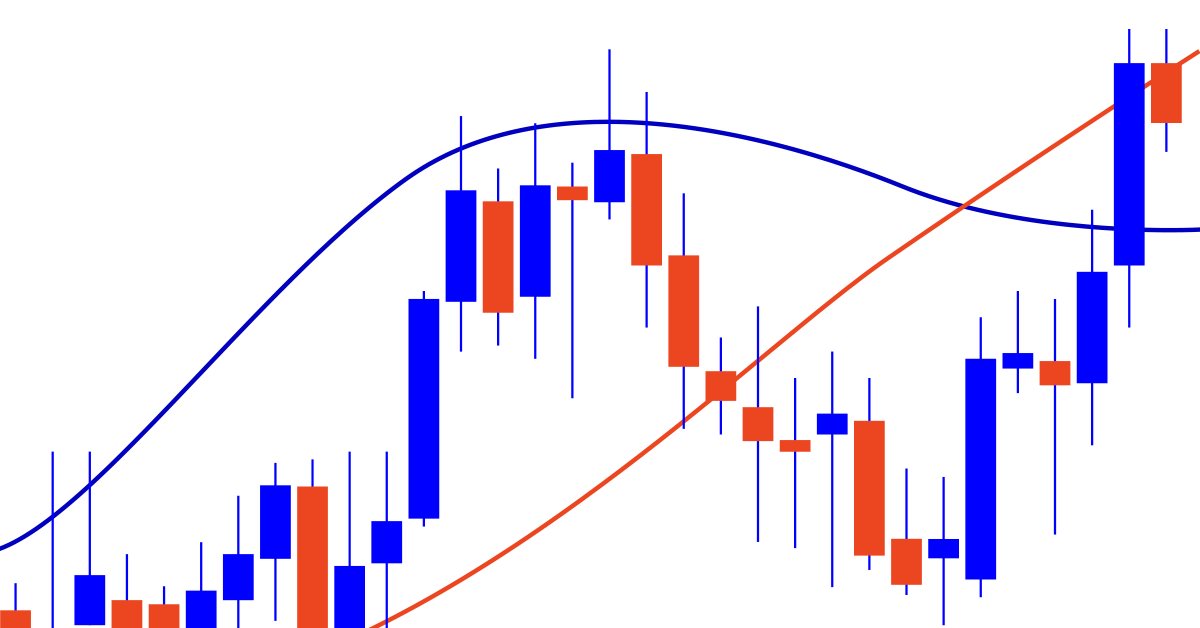
What you can do with Moving Averages
The article considers several methods of applying the Moving Average indicator. Each method involving a curve analysis is accompanied by indicators visualizing the idea. In most cases, the ideas shown here belong to their respected authors. My sole task was to bring them together to let you see the main approaches and, hopefully, make more reasonable trading decisions. MQL5 proficiency level — basic.