Royal Advanced
- Experts
- Version: 5.30
- Updated: 24 September 2026
- Activations: 10

⚡ INTRODUCTORY PROMOTION — LIMITED TIME ONLY! ⚡
- First 10 Copies: $149 (Only a few slots left!)
- Next 20 Copies: $249
- Final Price: $999
👉 After purchasing or renting, please send me a private message to get the Exclusive Premium .set files.
▶️ Before using the Royal Advanced Robot, the file must be set up first.
- Setup File: Download Here
- Deposit: $500
- Leverage: 1:500
- Recommended Asset: GBP/USD, M5
- Broker Account: ECN, Raw
📂 Quick Guide: Load Setfile Directly via EA (MT5)
- 1. Download the Setfile
- Download the .set file from the MQL5 comments section and save it to a location easy to find (e.g., Downloads or Desktop ).
- 2. Open EA Inputs Menu
- Drag the Royal Advanced MT5 EA onto a GBP/USD M5 chart.
- In the pop-up window, switch to the Inputs tab.
- 3. Load Directly & Activate
- Click the Load button on the right side, then navigate to your saved file location (click Downloads or Desktop ).
- Select the .set file, click Open , and click OK .
- Go to the Common tab and check Allow Algo Trading . Turn the AlgoTrading button in the top toolbar Green.
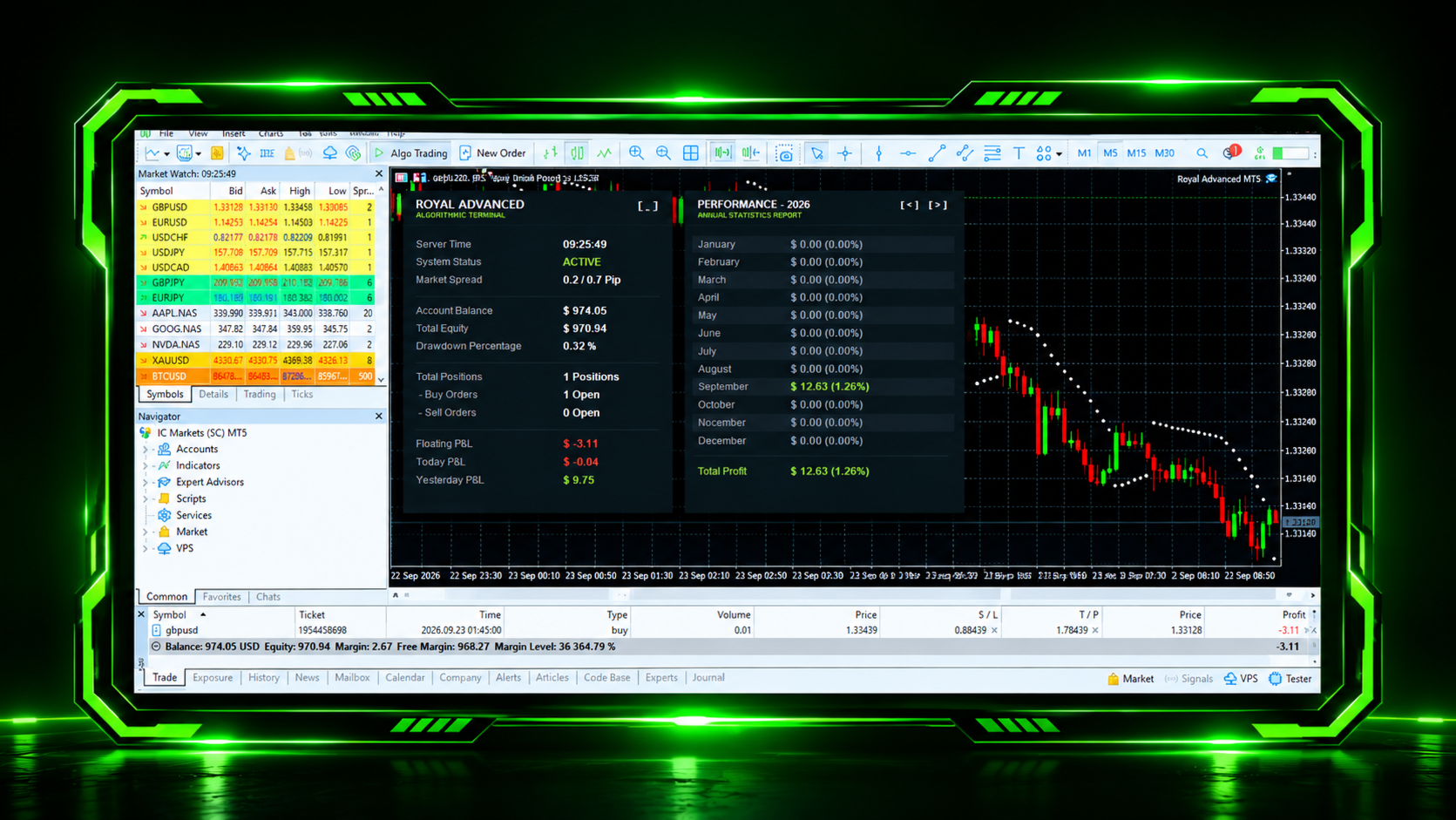
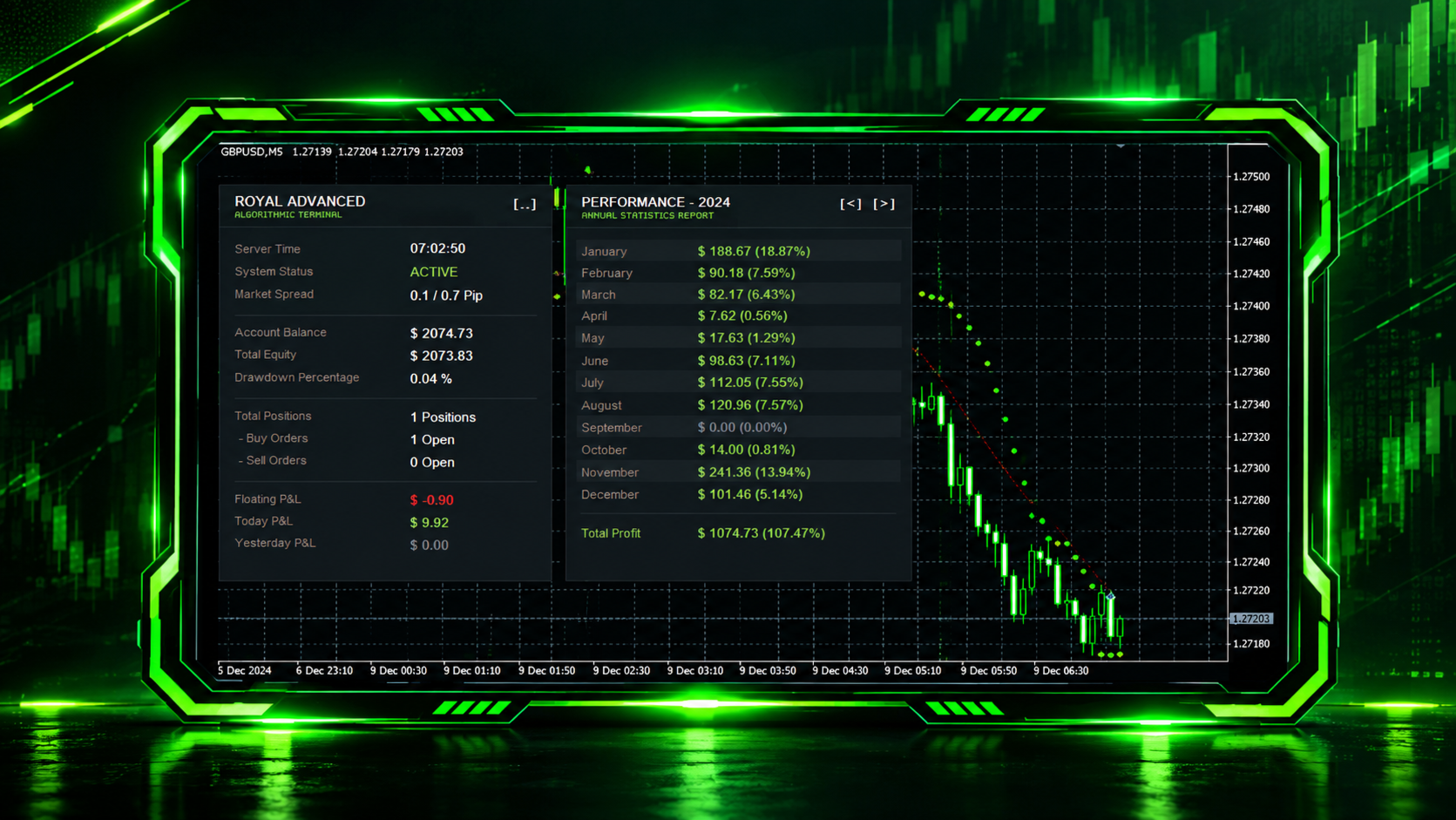
📊 Advanced Interactive Dual Panel Dashboard.
- Royal Advanced features: a custom built, modern graphical interface directly on your chart.
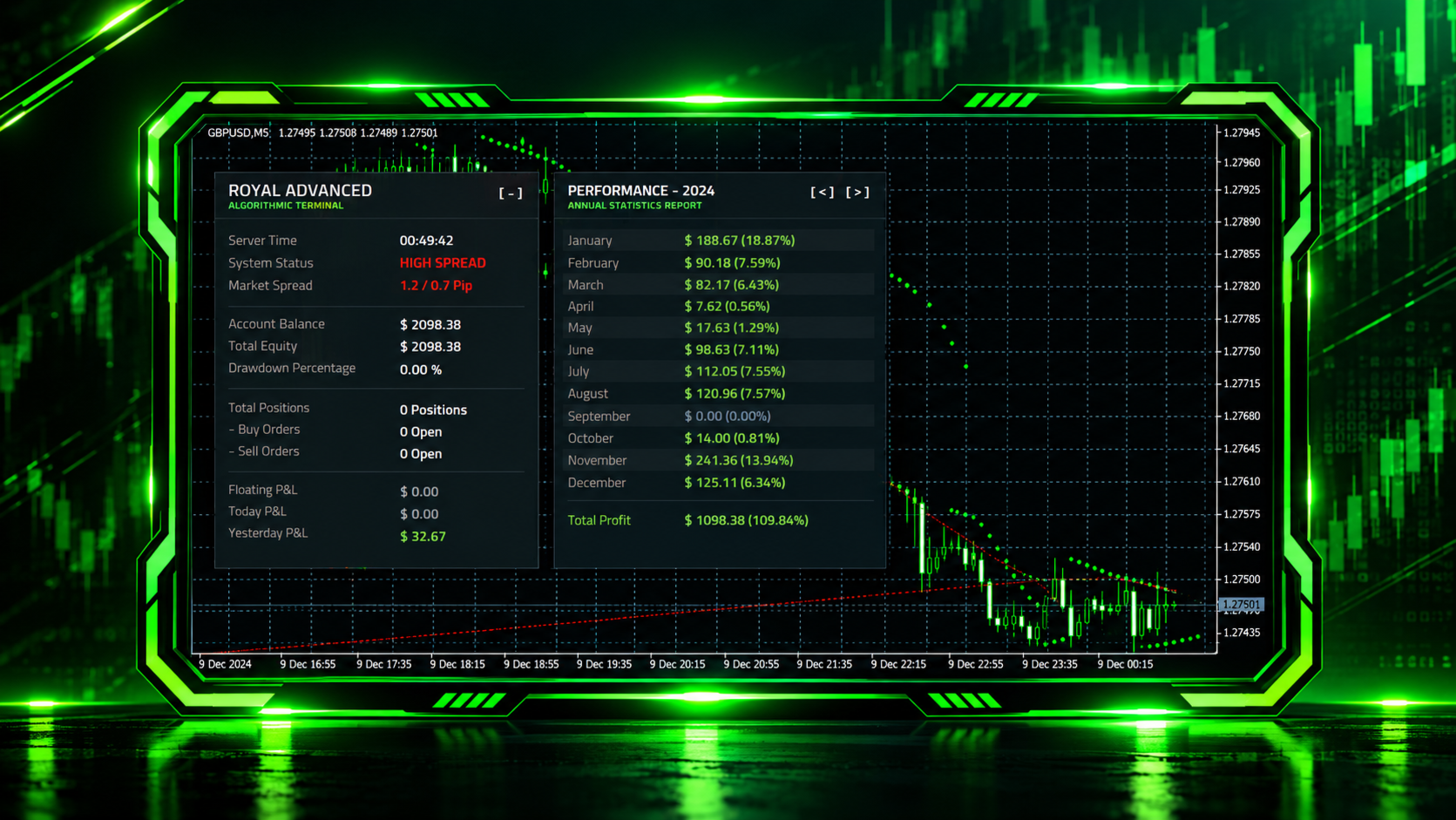
- Algorithmic Terminal Panel: Real time tracking of Server Time, System Status, Spread, Equity, Margin Buffer, Drawdown, and Floating P&L.
- Annual Statistics Report: An automatic, interactive module tracking monthly closed P&L and ROI percentage for the current and historical years.
- Smart Filter Alert: The terminal turns into a high spread warning state automatically if the market conditions exceed your safety parameters.
⚡ Core Trading Strategy
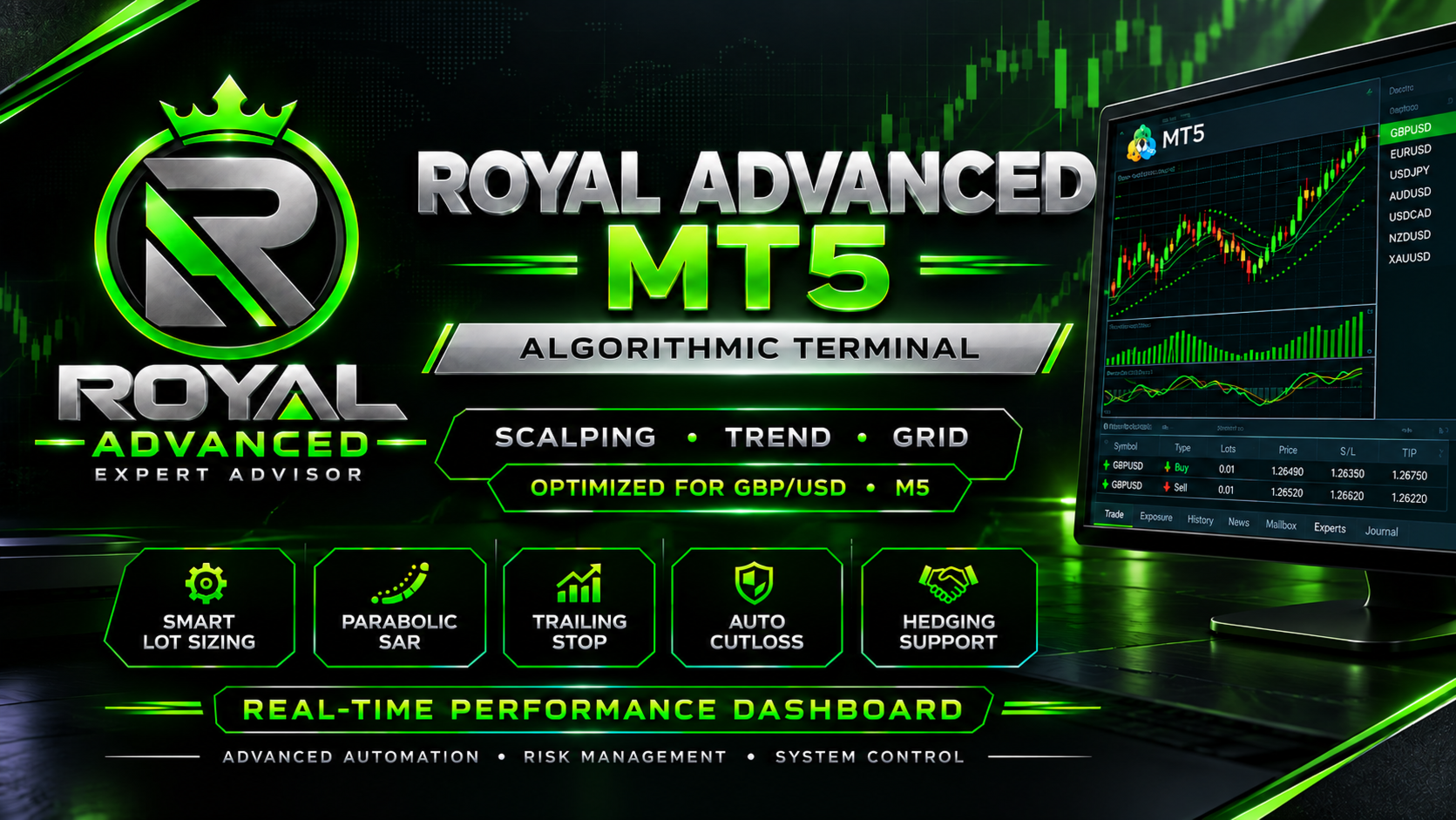
- Parabolic SAR Momentum Entry: Utilizes the iSAR indicator to accurately detect the start of micro trends and scalp rapid price movements.
- Smart Fixed Lot Grid Layering: Deploys a structured recovery framework using static lot sizes without multipliers to smoothly navigate drawdowns while keeping account safety as a top priority.
- Cut Switch Technology: A specialized feature that automatically closes opposite open positions as soon as a valid structural signal flip is detected and the minimum profit threshold is met.
🛡️ Institutional Grade Risk Management
- Account Wide Auto Cutloss: Protect your capital with a percentage based equity hard stop. If the overall drawdown hits your specified threshold, the EA kills all positions instantly.
- Advanced Grid Safeguard: A structural recovery mechanism that deploys protective fixed-lot layers aligned with the market trend if your floating negative hits a critical percentage.
- Dynamic Equity Compounding: Features an intelligent dynamic lot sizing engine based on account equity and your personal margin buffer factor.
- Dynamic Trailing Stop: Lock in profits in real time with a point based trailing engine.
- Maximum Spread Filter: Blocks new primary market entries during high volatility, news releases, or rollover hours.
⚙️ Main Input Parameters Breakdown
- EA Operation Start Hour: The hour when the EA is allowed to start looking for new trade setups and open positions
- EA Operation End Hour: The last hour the EA is allowed to open new positions
- Enable Dynamic Equity Based Lot Sizing: When set to true , the EA will automatically increase the lot size as your account balance grows. If set to false , it will always use the fixed lot size specified in the lots parameter.
- Enable Percentage Based Account Cutloss: If changed to true , it activates the automatic cut loss feature based on a percentage of your account balance.
- Enable Emergency Hedging Safeguard: If changed to true , the EA is allowed to open Buy and Sell positions at the same time to temporarily lock in a loss.
- Close Opposite Positions on Signal Flip: Enables the Cut Switch feature (typically used to close an existing trade and instantly open a reverse trade if the market trend shifts).
- Maximum Allowed Spread Filter: The maximum market spread (0.7 pips) allowed for opening a trade. If the broker's spread is wider than this value (common during high impact news or market rollover), the EA will block new trades to prevent high trading costs.
💡 Recommendations & Requirements
- Broker Account: ECN, Raw, or Low Spread account types with a reputable broker are highly recommended.
- VPS: A low latency Forex VPS is strongly advised to ensure uninterrupted 24/7 terminal operation.
- Backtest & Demo Testing: It is highly recommended to test the EA on a demo account for at least 2–4 weeks or perform a 99% quality backtest using the provided .set files before deploying it on a live account.
⚠️ Disclaimer: Forex trading has a risk of losing all your money. Past performance of any trading strategy or historical backtest results is not indicative or a guarantee of future profits. The forex market is dynamic, and there is no wrapped warranty that this automatic terminal will generate positive returns under all future market regimes.