
Ace Trend
- Indicators
-
Mikhail Sergeev
 Mikhail Sergeev is a qualified specialist in the field of trading with 17 years of experience. An expert in the development of indicators and trading systems for MetaTrader 5.
I work in a team with the best guys from TrendRiders. Together we create powerful tools for analyzing stock charts. - Version: 1.6
- Updated: 3 October 2026
- Activations: 10
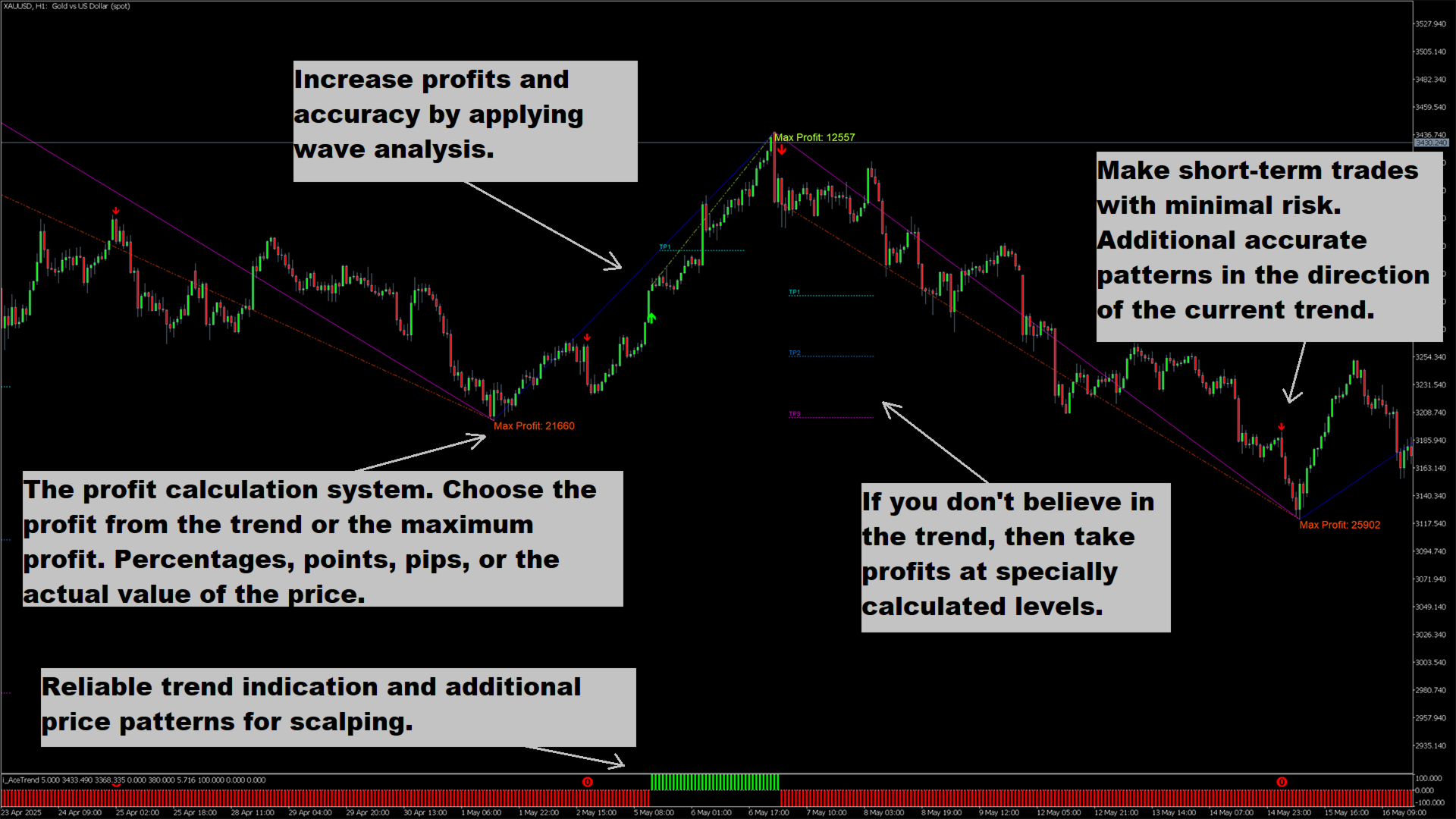
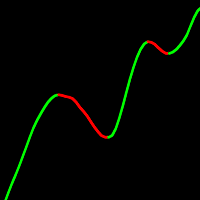
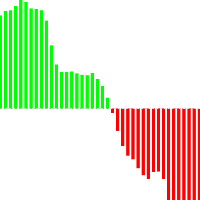
We present you a revolutionary indicator that changes the rules of the game in the world of trend trading. The indicator is designed to rethink performance and elevate your trading experience to unprecedented heights. Our indicator boasts a unique combination of advanced features that set it apart from its competitors. The advanced technology of "Real Pricing Factors" ensures unsurpassed stability even in the most difficult and volatile market conditions. Say goodbye to unstable patterns, broken indicators and welcome conscious, controlled trading.
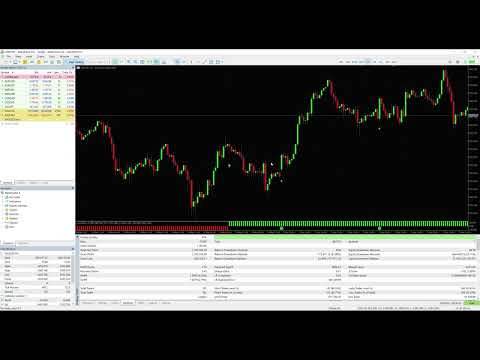
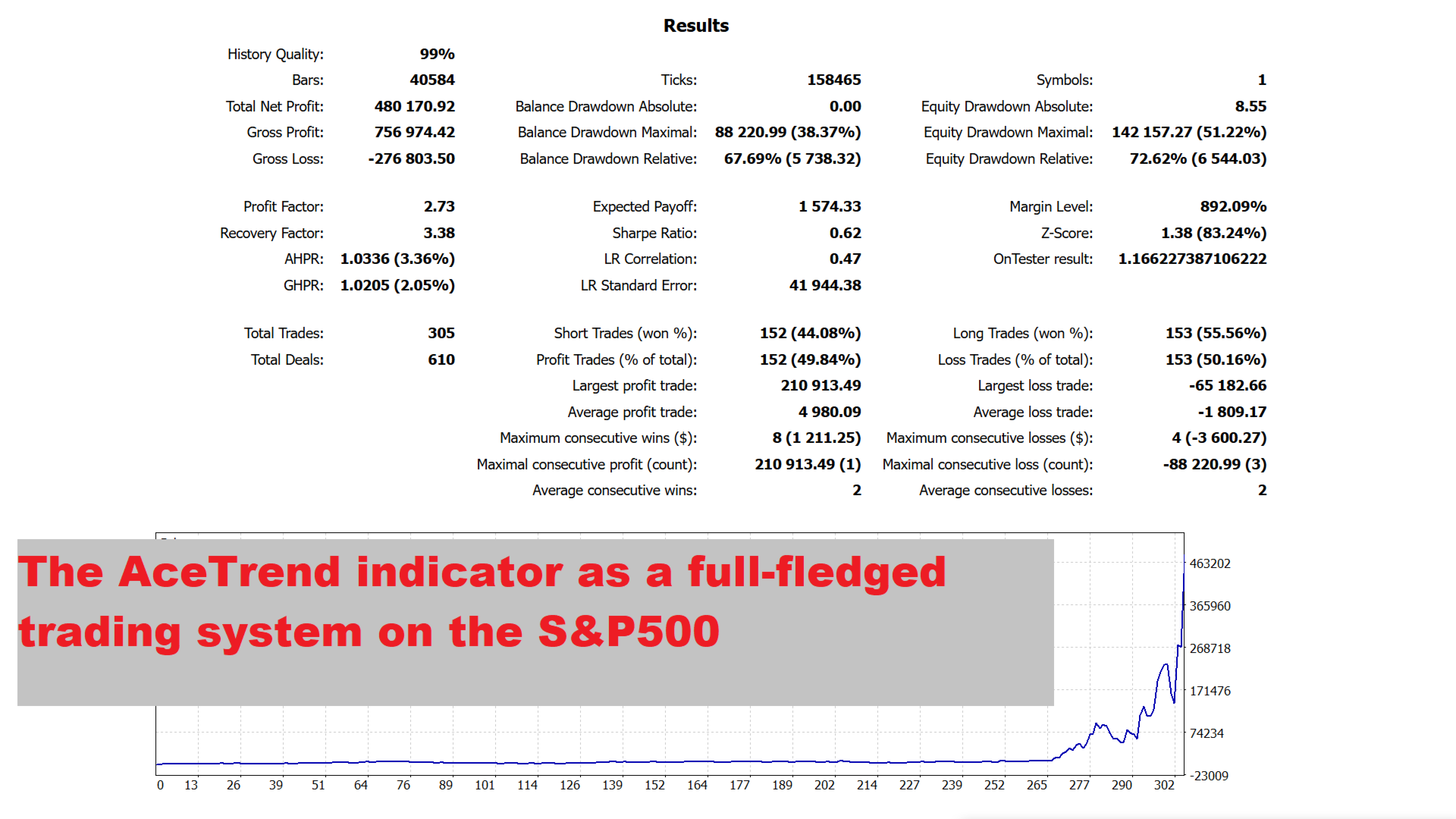
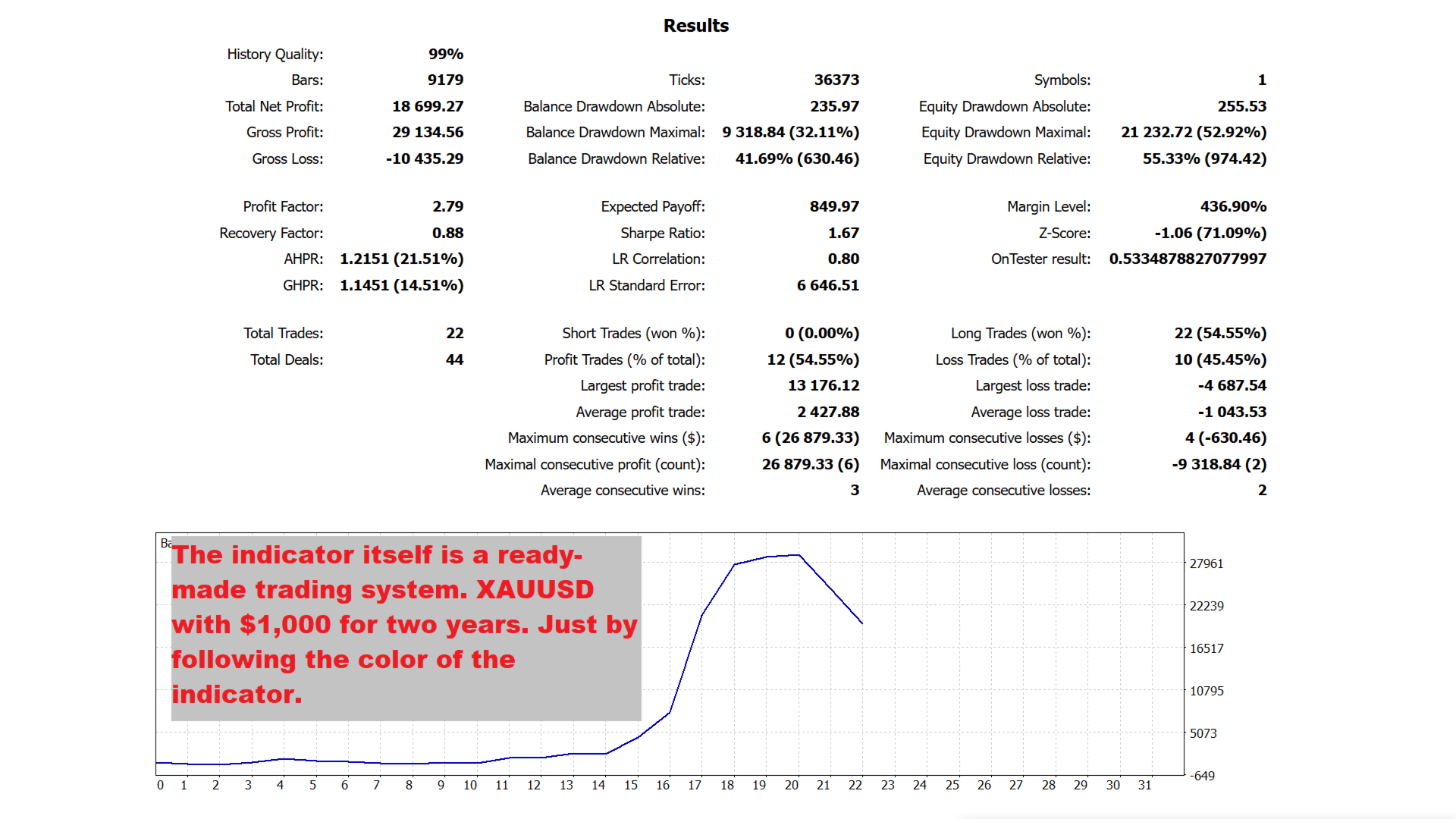
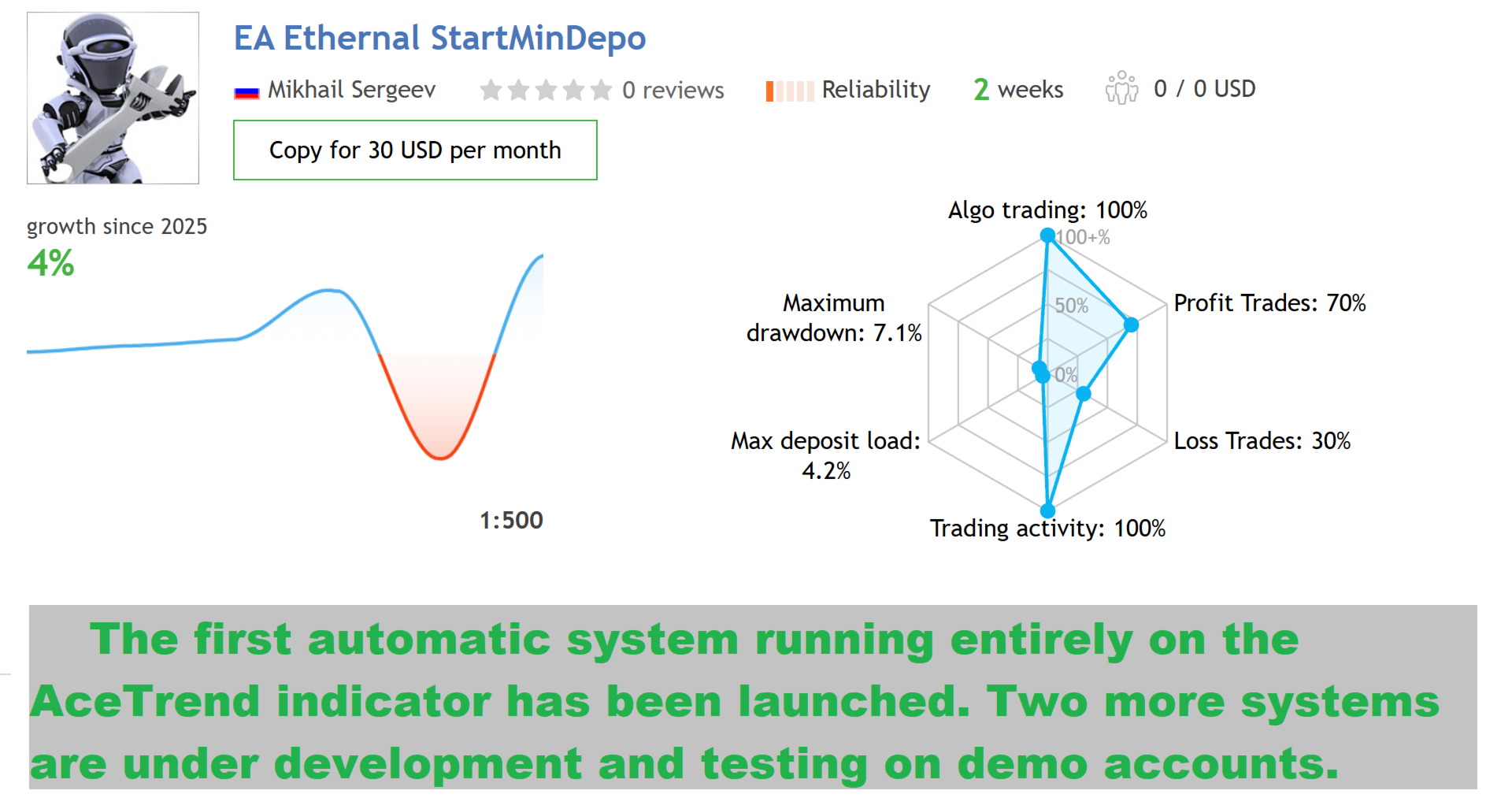
The indicator is not just a beautiful picture! Indicators should shift the odds to the trader's side and earn a profit due to this. Get acquainted with the trading results based on the indicator signals (fully automatic mode): https://www.mql5.com/en/signals/2339244
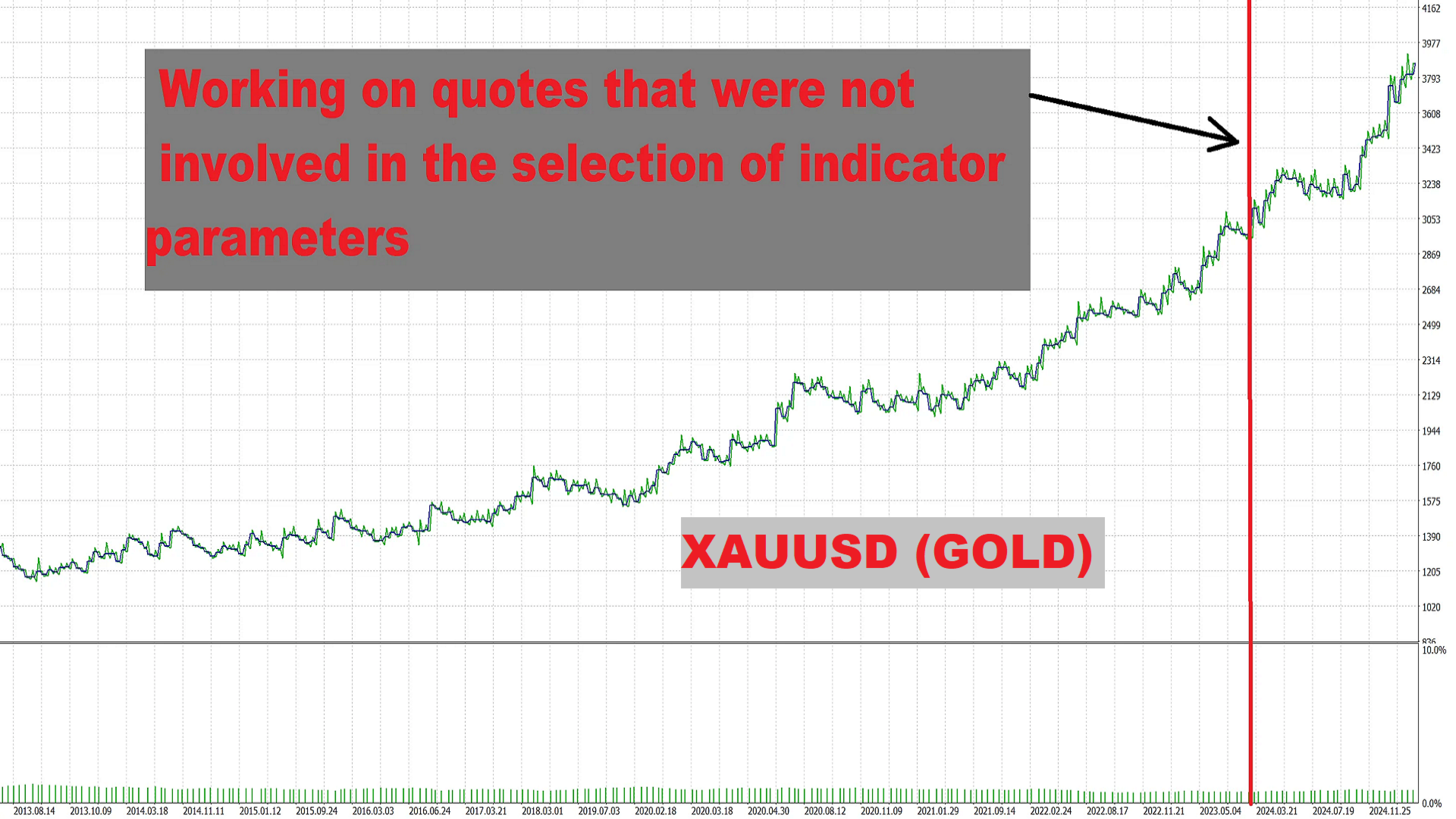
AceTrend ranks first in the ranking of trend indicators according to the RBTI version. AceTrend - maximum profitability and control in trading. Our indicator highlights profitability based on current market quotes, not history. Join the revolution — unlock the potential of your trading experience!
The indicator does not redraw on the bars that have formed. If a bar has formed, the indicator readings remain unchanged. The indicator works on any timeframe from M1 to MN. The standard is the H1 timeframe.
Your feedback is very important! Do you have any questions, suggestions, or just want to share your opinion? Write comments or send messages — I am always in touch!
Indicator Parameters:
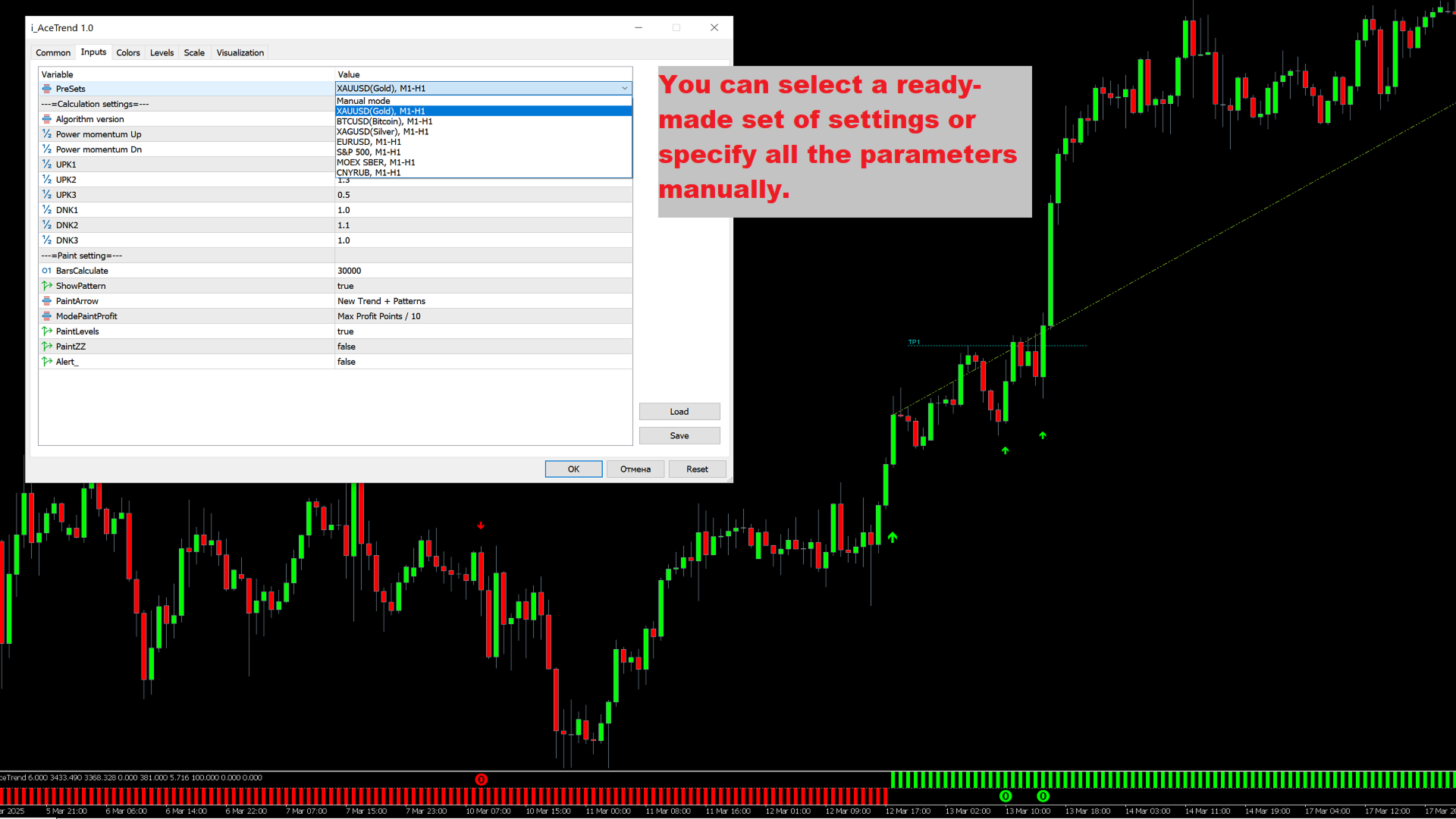
- PreSets - If "Manual mode" is selected, the parameters from the section "---=Calculation settings=---" are used to calculate the indicator. If you select a ready-made set of settings, all the parameters from this section are set automatically and hidden (in fact, the parameters set in "---=Calculation settings=---" are no longer involved in the calculation of the indicator).
- Algorithm version - the version of the algorithm involved in the calculation of the indicator. The parameter was created to implement the future scaling of the indicator. It can globally change the calculation result.
- Power momentum Up - sensitivity of the beginning of an uptrend. The recommended range is from 0.2 to 5 in 0.1 increments.
- Power momentum Dn - the sensitivity of the beginning of a downtrend. The recommended range is from 0.2 to 5 in 0.1 increments.
- UPK1 - coefficient for fast and impulsive uptrends. The recommended range is from 0.5 to 1.5 in 0.1 increments.
- UPK2 - coefficient for standard uptrends. The recommended range is from 0.5 to 1.5 in 0.1 increments.
- UPK3 - coefficient for unstable uptrends. The recommended range is from 0.5 to 1.5 in 0.1 increments.
- DNK1 - coefficient for fast and impulsive downtrends. The recommended range is from 0.5 to 1.5 in 0.1 increments.
- DNK2 - coefficient for standard downtrends. The recommended range is from 0.5 to 1.5 in 0.1 increments.
- DNK3 - coefficient for unstable downtrends. The recommended range is from 0.5 to 1.5 in 0.1 increments.
- BarsCalculate - the number of bars for calculating and constructing the indicator.
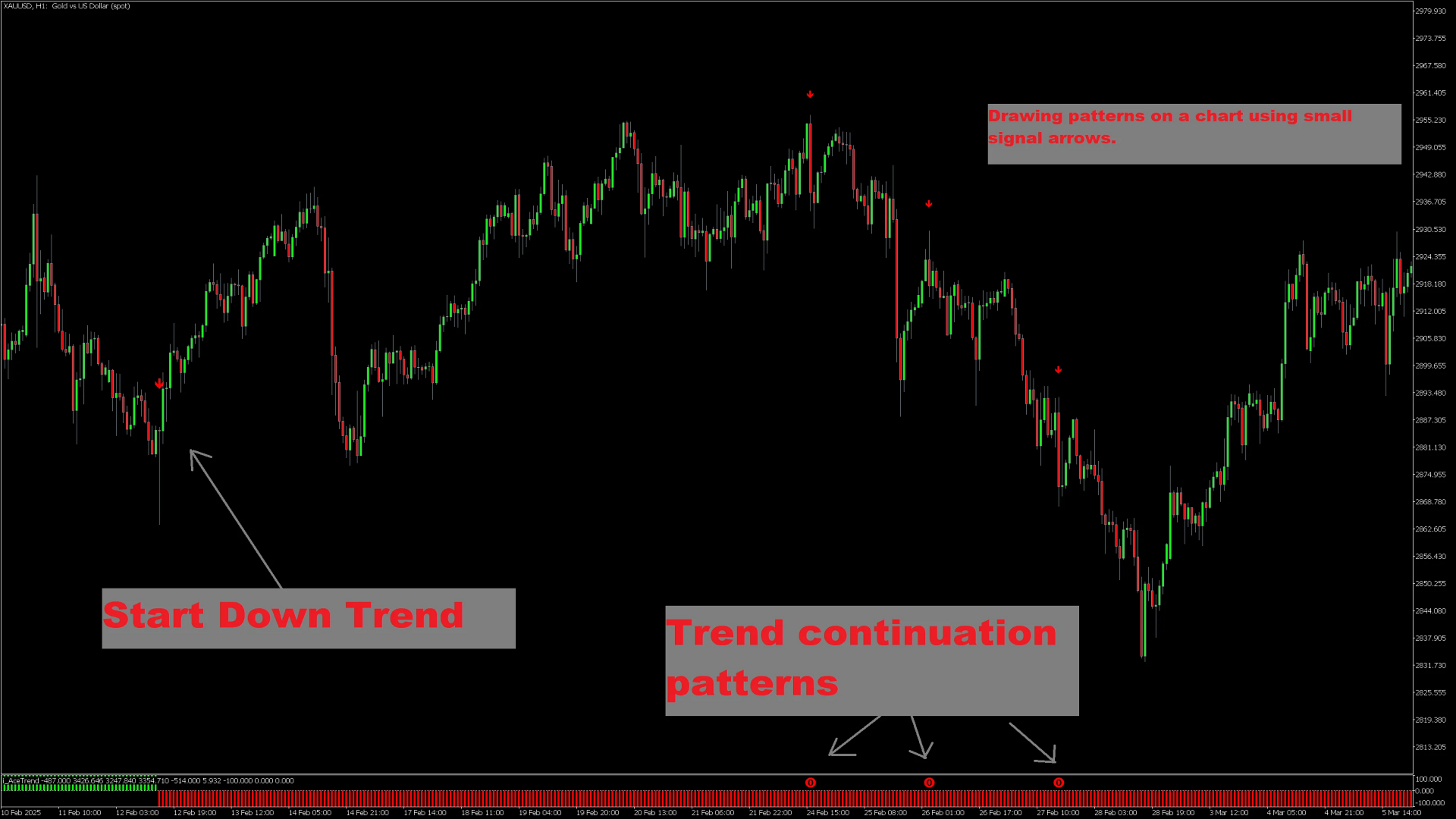
- ShowPattern - includes additional patterns for entries within the trend.
- PaintArrow - options for drawing arrows on a graph.
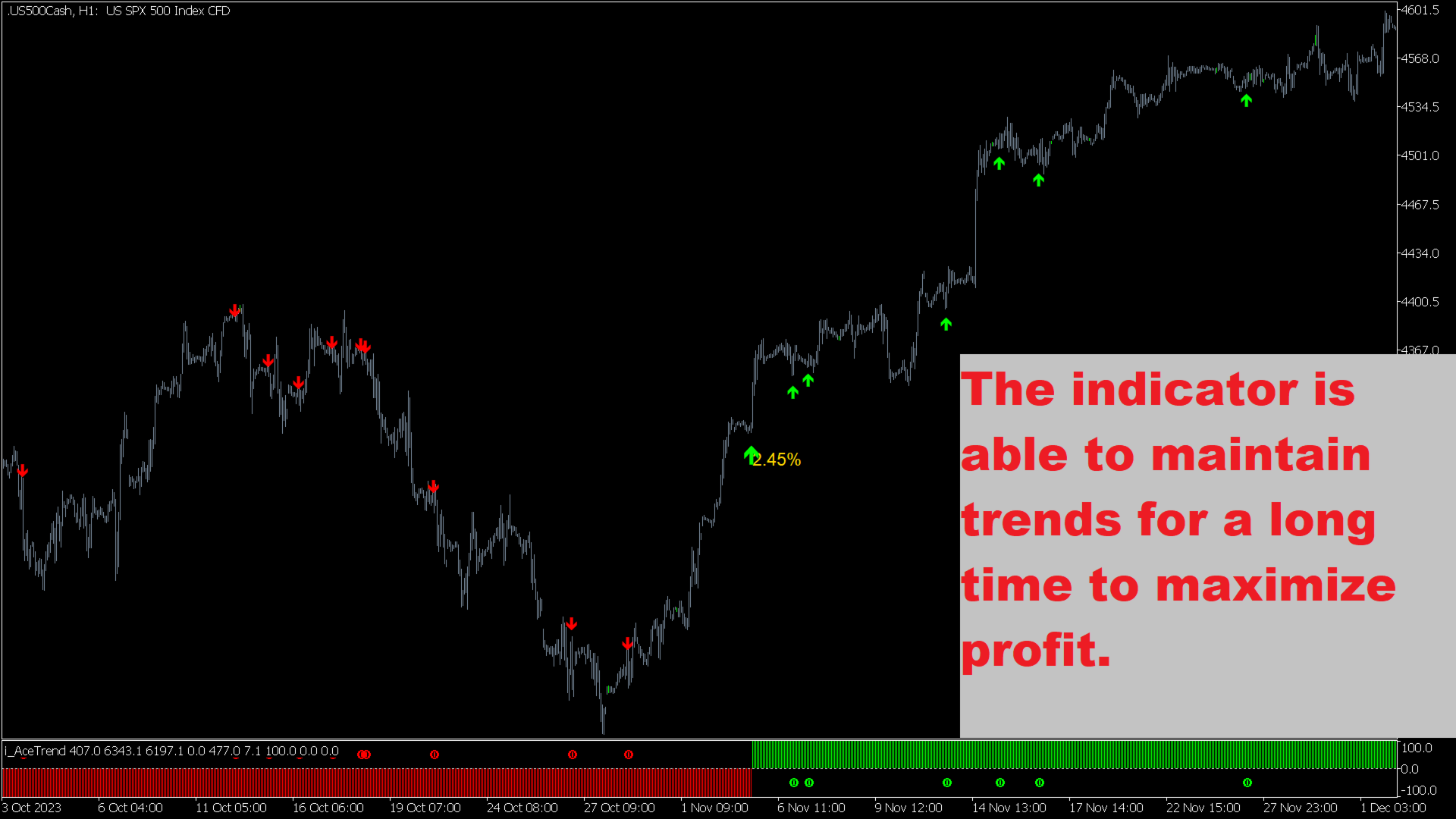
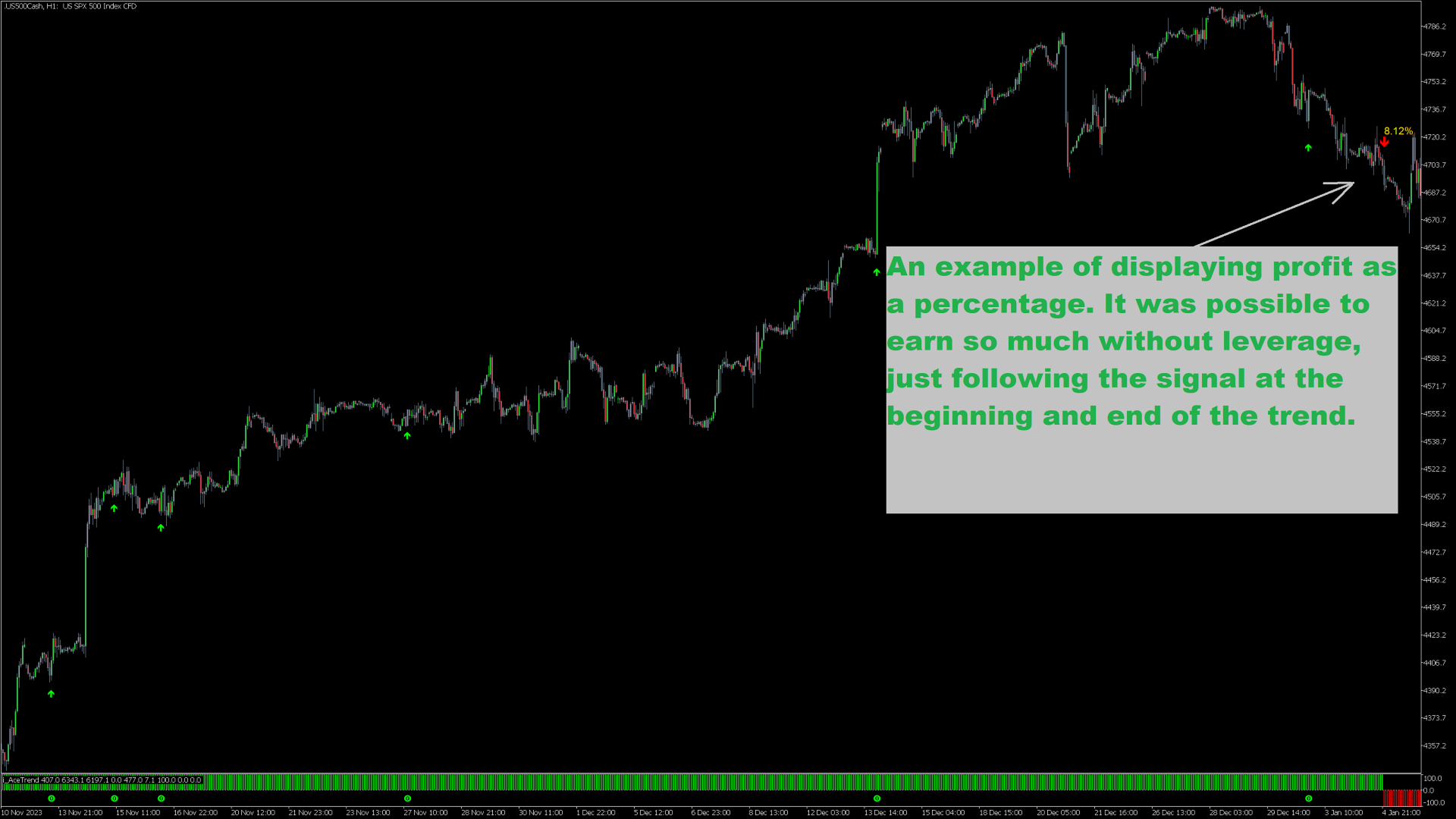
- ModePaintProfit - select an option to withdraw profit from the trends of the indicator.
- PaintLevels - draws profit-taking levels within the trend.
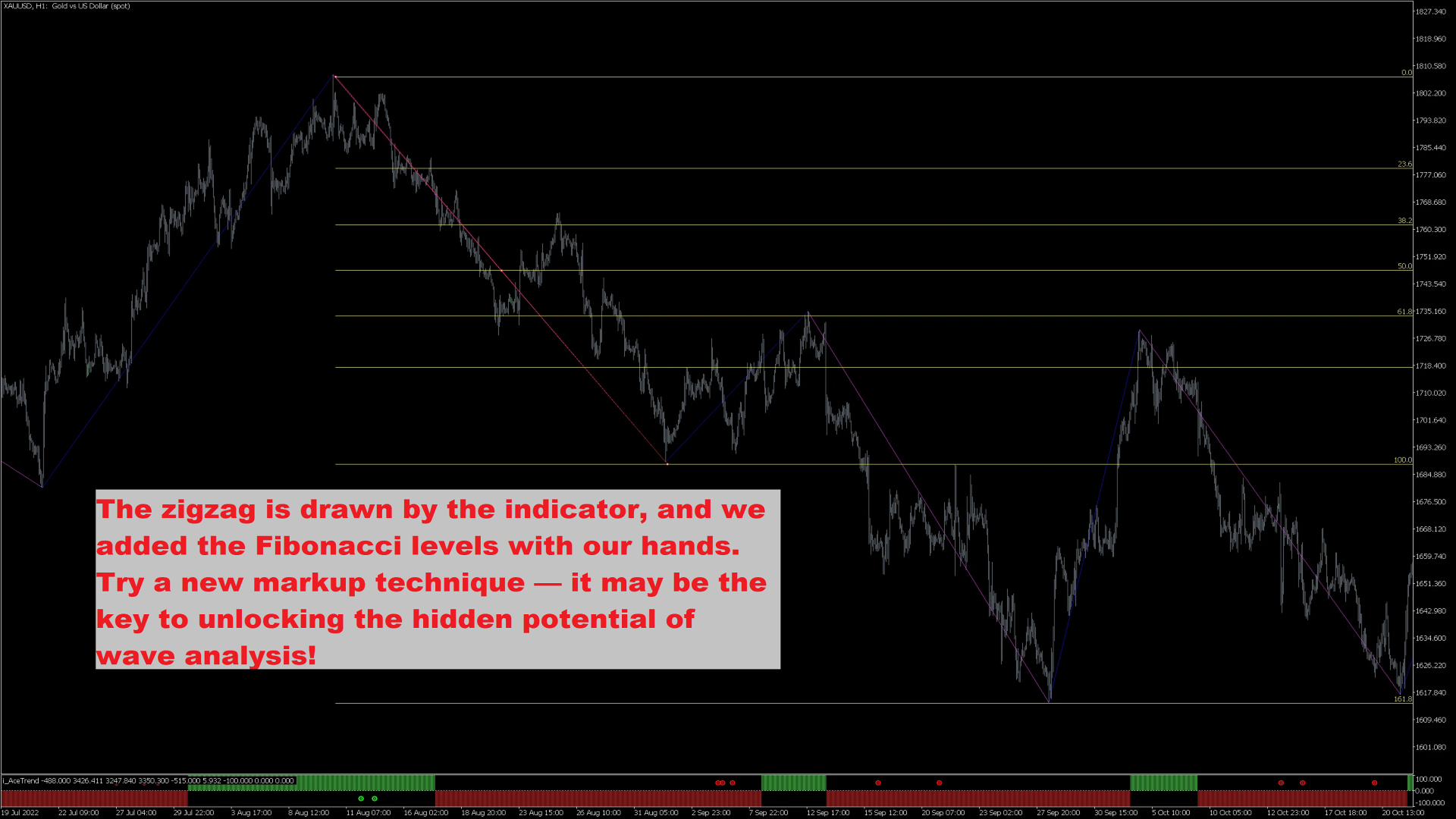
- PaintZZ - draws a ZigZag based on the trends of the indicator.
- Alert - enables alerts: warning signal, beep, email message, message to mobile terminal.















































Super indicator that i use to scalp M1. The seller is very serious. Thank you !